Mario Odyssey PC Recomp
Super Odyssey PC Recomp translates Super Mario Odyssey (versions 1.0.0 and 1.4.1) ahead of time from ARM64 Switch code to native x86-64 C with Vulkan 1.3, NVIDIA DLSS, AMD FSR 1, ultrawide, direct mouse camera and 90/120 FPS modes.
- Latest releasev0.2.0November 12, 2026
- Supported dumps1.0.0 & 1.4.1Extracted exefs + romfs
- Graphics stackVulkan 1.3DLSS · FSR 1 · SMAA · 120 FPS
- Total downloads1,476188 + 87 GitHub stars
Choose your PC package
Direct GitHub Release assets from Simon3Sarkis/super-odyssey-pc-recomp (v0.2.0, November 12, 2026) and SwitchRECOMP-Dev/SwitchRECOMP (v190).
Super Odyssey PC Recomp v0.2.0 (Windows 10/11 x64)
Recommended. Super.Odyssey.PC.Recomp-0.2.0-windows.zip · 117.2 MB (117,182,526 B)

Ahead-of-time static recompilation for PC
Instead of emulating a Switch CPU at run time, Simon3Sarkis/super-odyssey-pc-recomp and coz-0/smo-recomp lift 54,214 ARM64 functions to C  translate 27,888 Maxwell shader stages to Vulkan SPIR-V
 and compile a native PC game binary on your machine
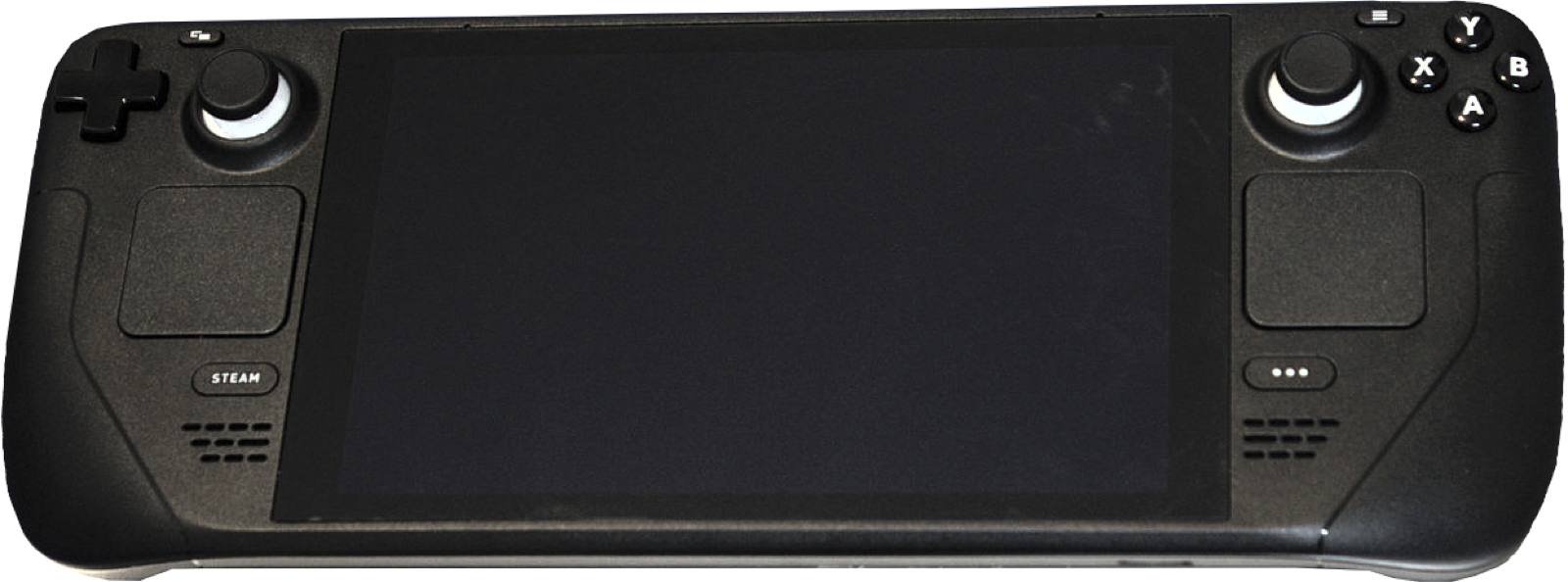
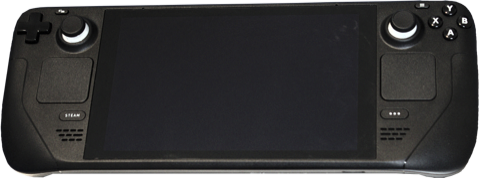 across Windows 10/11, Linux and Steam Deck.
Ahead-of-time ARM64-to-C static recompilation (1.0.0 & 1.4.1)
Point SuperOdysseyRecomp at your extracted exefs and romfs folders once: the bundled Zig/LLVM compiler builds extracted/odyssey_game.dll (or libodyssey_game.so on Linux) and precompiles all shaders into cache/ without requiring console keys.
Vulkan 1.3 renderer with 4x resolution, DLSS, FSR 1 and ultrawide
Scale internal rendering from 0.5x (960x540) up to 4x (7680x4320) with NVIDIA DLSS / DLAA, AMD FSR 1, SMAA anti-aliasing, and a Fill window ultrawide presentation mode.
Native 90 / 120 FPS and 120 Hz frame interpolation
Choose the standard 60 FPS cap, experimental native 90 or 120 FPS gameplay ticks, or 120 Hz frame interpolation for high-refresh desktop and handheld displays.
Direct mouse camera, dynamic prompts & DualSense / Switch Pro gyro
Added in v0.1.1 and v0.2.0: direct mouse camera control (25–400% sensitivity), dynamic keyboard/controller button prompts, DualSense & Switch Pro gyro motion throws, and a standalone Linux & Steam Deck x86_64 AppImage.
Verify your download locally
Drop a downloaded ZIP, AppImage or tar.gz archive to check its SHA-256 in your browser against all 3 Super Odyssey PC Recomp releases and SwitchRecomp v190. Nothing leaves your machine.
Verified numbers
Every metric comes directly from the upstream repository READMEs, differential lifter tests, and automated stress suites.
AArch64 functions in Super Mario Odyssey main lifted to C (23,194/23,194 Unicorn test matches)
Maxwell GPU shader stages (vertex, fragment, geometry, compute) translated to Vulkan SPIR-V
Frames stress-tested across 176 stage scenes and 100 kingdom scenarios with zero Vulkan failures
Internal resolution scale up to 7680x4320 with NVIDIA DLSS/DLAA, AMD FSR 1 and SMAA
Measured in Cap Kingdom on Steam Deck LCD using the 960x600 FSR 1 Battery Saver preset
GitHub Release downloads across 3 Super Odyssey PC Recomp releases since November 12, 2026
Release highlights & quick setup
Everything needed to verify v0.2.0, prepare your extracted 1.0.0 or 1.4.1 exefs and romfs folders, and build the native game binary on Windows, Linux or Steam Deck.
Recommended PC controllers
Super Odyssey PC Recomp supports XInput and SDL2 controllers with automatic button prompt switching, plus native gyro motion controls for Cappy spin throws and downward cap throws on DualSense and Switch Pro controllers:
| Controller | Best For in Odyssey Recomp | Hardware Advantage | Link |
|---|---|---|---|
| Sony DualSense | Gyro motion throws & SDL2 HID | Built-in 6-axis gyroscope for Cappy motion throws + crisp D-pad | View on Amazon |
| GameSir Cyclone 2 | Precision 3D platforming & gyro | TMR sticks, 6-axis gyro in Switch mode, 1000 Hz wireless dongle | View on Amazon |
| 8BitDo Ultimate 2 Wireless | Windows & SteamOS dock play | Zero-drift TMR sticks, charging dock, Switch/XInput mode toggle | View on Amazon |
| Xbox Wireless Controller | Plug-and-play Windows 10/11 | Native XInput layout with instant button prompt switching | View on Amazon |
As an Amazon Associate, this site earns from qualifying purchases.
Common questions
What is Super Mario Odyssey PC Recomp?
Super Mario Odyssey PC Recomp refers to the open-source static recompilation projects that translate the Nintendo Switch version of Super Mario Odyssey (ARM64) into native x86-64 PC code running on Vulkan. The two dedicated repositories are Simon3Sarkis/super-odyssey-pc-recomp (which continues Power Moon Recomp and ships prebuilt Windows and Linux/Steam Deck releases, currently v0.2.0) and coz-0/smo-recomp (a source-built Windows x64 recompilation of version 1.4.1).
Does this download include Super Mario Odyssey ROMs, NSPs, or keys?
No. Zero Nintendo code, ROMs, game assets, firmware, or cryptographic keys are included in any release or hosted on this site. You must supply your own extracted exefs and romfs folders from your legally owned copy of Super Mario Odyssey (version 1.0.0 or 1.4.1). Because the folders are already extracted, no console keys are needed by the installer.
What is the difference between Simon3Sarkis/super-odyssey-pc-recomp and coz-0/smo-recomp?
Simon3Sarkis/super-odyssey-pc-recomp (MIT License, built on LAS Recomp / Power Moon Recomp) distributes ready-to-run Windows 10/11 ZIP and Linux/Steam Deck AppImage installers with an in-app setup wizard, DLSS/DLAA, FSR 1, SMAA, 90/120 FPS modes, direct mouse camera, and DualSense/Switch Pro gyro support for both 1.0.0 and 1.4.1. coz-0/smo-recomp (GPL-3.0-or-later, built on Denkishi/ssbu-recomp) is a source-only Windows x64 build for 1.4.1 featuring a 102-amiibo virtual NFC menu and WebView2 Action Guide. Compare all projects on Power Moon vs smo-recomp.
Why does Windows Defender flag SuperOdysseyRecomp.exe or odyssey_game.dll?
As documented in the upstream README, neither the launcher nor the locally compiled extracted\odyssey_game.dll is signed with a paid Microsoft code-signing certificate, and the installer invokes a bundled Zig/LLVM compiler to emit a fresh DLL on disk. Heuristic signatures ending in !ml (such as Bearfoos.A!ml or Watacat.B!ml) are machine-learning false positives. Always verify your download’s SHA-256 hash in the checker above before whitelisting the folder.
Does Super Mario Odyssey PC Recomp run on Steam Deck?
Yes. Release v0.2.0 added a standalone Linux & Steam Deck x86_64 AppImage (Super.Odyssey.PC.Recomp-0.2.0-linux-x86_64.AppImage, 84.6 MB). Run the AppImage once in Desktop Mode to compile the game onto your internal drive or SD card, then add the AppImage to Steam as a Non-Steam Game. On an LCD Steam Deck, the default 960x600 FSR 1 Battery Saver preset runs at 53–60 FPS in the Cap Kingdom.
Can I use RomFS mods or custom costumes?
Yes. Place extracted RomFS mods under mods\<Mod Name>\romfs\... (for example mods\MyCostume\romfs\ObjectData\Mario.szs) and toggle each mod on or off in the F1 Mods menu before starting the game.